1101 Couvertures Facebook Gratuites 851×315 HD
Bannières HD & Photos de Couverture
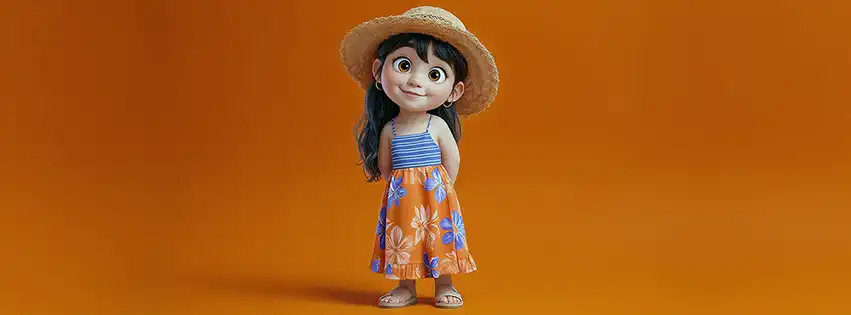
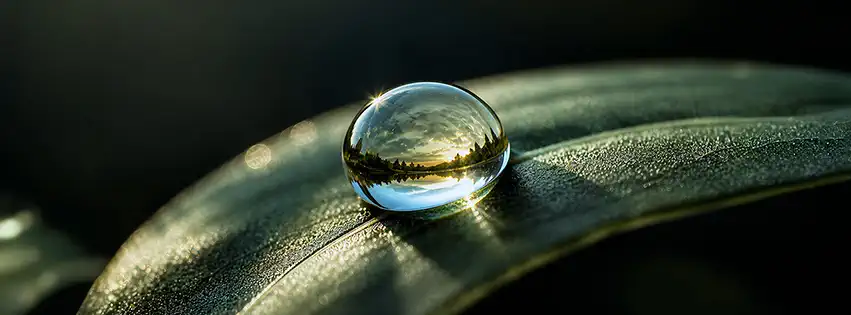
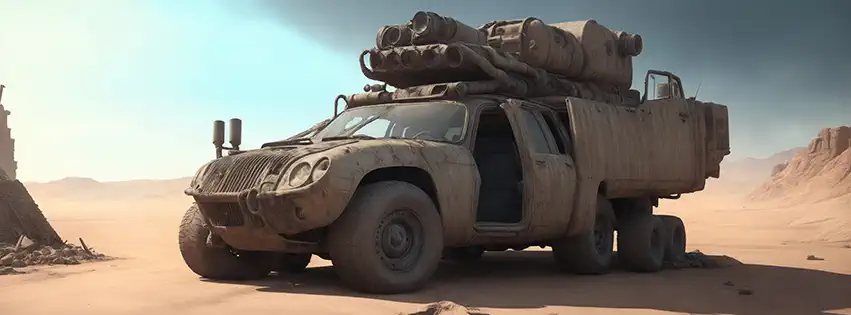


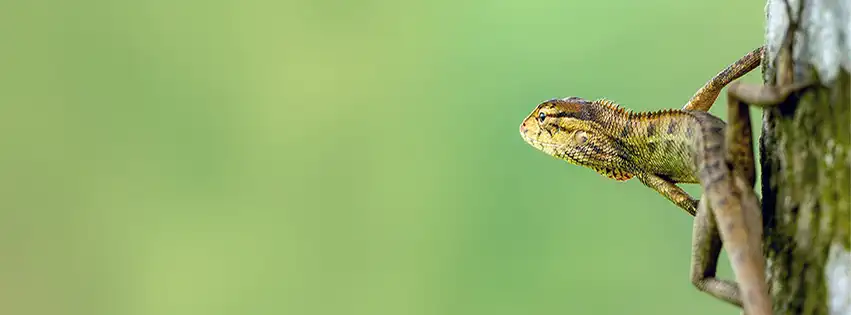
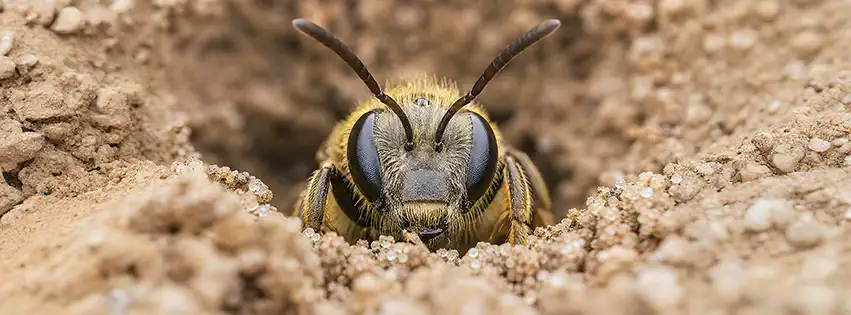
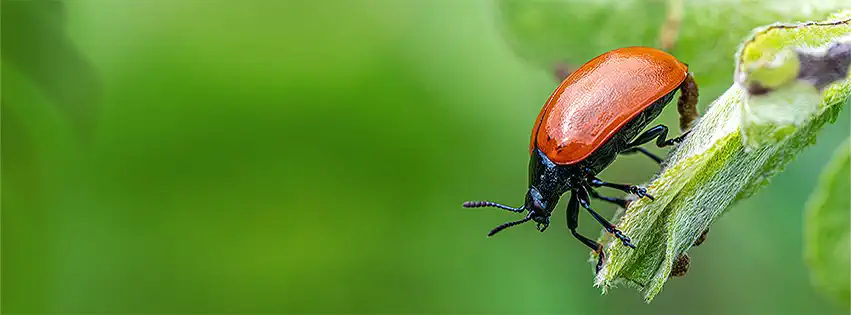
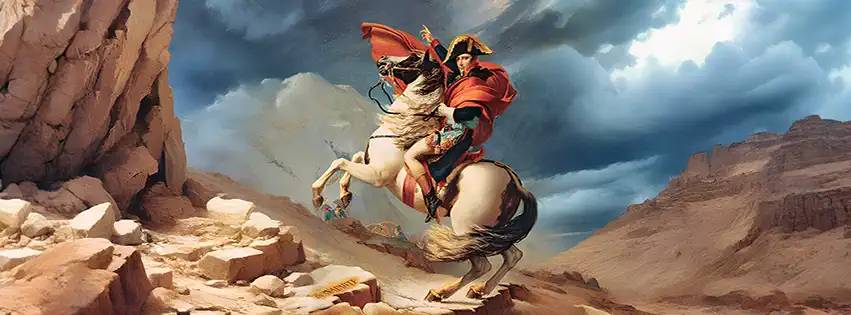
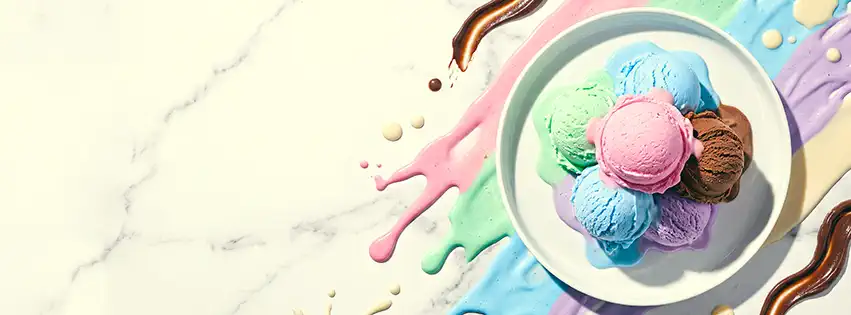



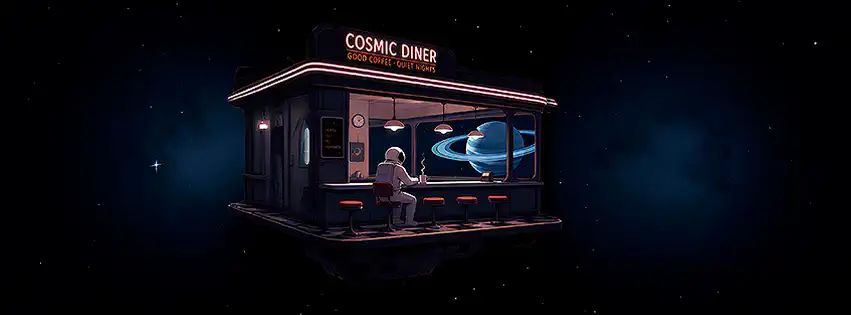
Une bonne bannière change tout.
Une couverture Facebook, ce n'est pas juste une image en haut d'une page. C'est souvent la première chose que les visiteurs remarquent. Qu'elle soit personnelle, créative ou professionnelle, autant lui donner un peu de personnalité.
Le Bon format. Tout simplement.
Toutes les couvertures sont proposées au format 851×315 pixels, la dimension idéale pour Facebook. Pas de découpe étrange, pas d'image déformée, pas de mauvaise surprise après l'installation. Tu télécharges, tu appliques et c'est réglé.
Ajoute ta touche personnelle.
Tu peux personnaliser directement la couverture avant de la télécharger. Ajoute un texte, change la police, la couleur, la taille, mets en gras ou en italique. Tout se fait dans ton navigateur, sans logiciel compliqué ni connaissance particulière.
Jamais la même bannière bien longtemps.
Les envies changent. Les saisons aussi. Les projets évoluent. C'est pour ça que de nouvelles couvertures sont ajoutées régulièrement, histoire que tu aies toujours quelque chose de nouveau à afficher. Parfois, une simple image suffit à donner une toute nouvelle identité à une page.
Simple, rapide et gratuit.
Pas besoin de créer un compte. Pas d'abonnement premium. Pas de carte bancaire. Les couvertures sont là pour être utilisées, pas pour te faire perdre ton temps. Tu cherches, tu personnalises si tu le souhaites, tu télécharges et c'est terminé.
Une couverture Facebook ne prend que quelques secondes à changer, mais elle peut complètement transformer l'image que renvoie ta page. Autant choisir quelque chose qui te ressemble vraiment.
Découvrez aussi
Découvrez d’autres ressources gratuites d’Amigos3D : fonds d’écran Standard, Mobile et UltraWide, avatars, PNG transparents, images humoristiques, musiques originales et maps MOHAA.